Notability now organizes meeting recordings and notes around your calendar

1 day ago
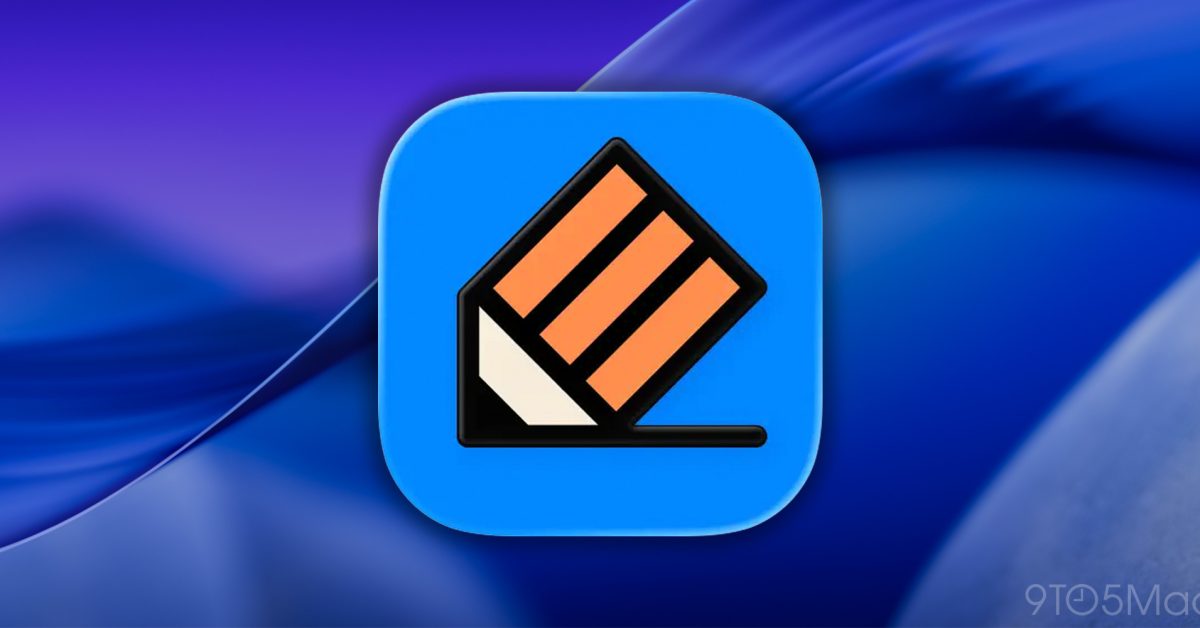
Notability today announced a new desktop workflow that lets Mac users start recording sessions directly from their calendar events, with the resulting notes automatically organized around their schedule. Here are the details.
Notability now connects recordings to your schedulePopular note-taking platform Notability today announced a feature that integrates several of its existing recording and note-taking capabilities into a workflow designed to make it easier to capture and organize meetings and lectures.
Starting today on Mac and Windows, users can record meetings and lectures directly from calendar events, then combine the recordings, transcripts, and notes taken during the session into a single document tied to the corresponding event.
Here’s Notability:
Students and professionals connect their calendar, and when they tap a meeting recording starts and the note opens, ready for input. At the end of the meeting, Notability combines the call’s transcript and any typed notes that were taken during the meeting into one comprehensive note.
So students can capture their critical lectures on anything from economics to political science without missing anything important, and professional knowledge workers can engage in essential strategy meetings and review their notes later to see what they might have missed.
Notability adds that, unlike other meeting recording solutions that require a bot to join the call, its new workflow captures system audio directly from the computer.
The company also notes that:
Finally, Notability says the new feature is available to Plus ($5.99/mo or $15.99/yr) and Pro ($15.99/mo or $79.99/yr) subscribers. Pro users get unlimited live audio transcription, while Plus subscribers are subject to a usage limit that isn’t specified on the company’s pricing page.
To learn more about today’s announcement, follow this link.
Worth checking out on Amazon ...


Read the fullstory
It's better on the More. News app
✅ It’s fast
✅ It’s easy to use
✅ It’s free