Google Maps update shows traffic lights and stop signs at your next turn on Android Auto, more

1 day ago
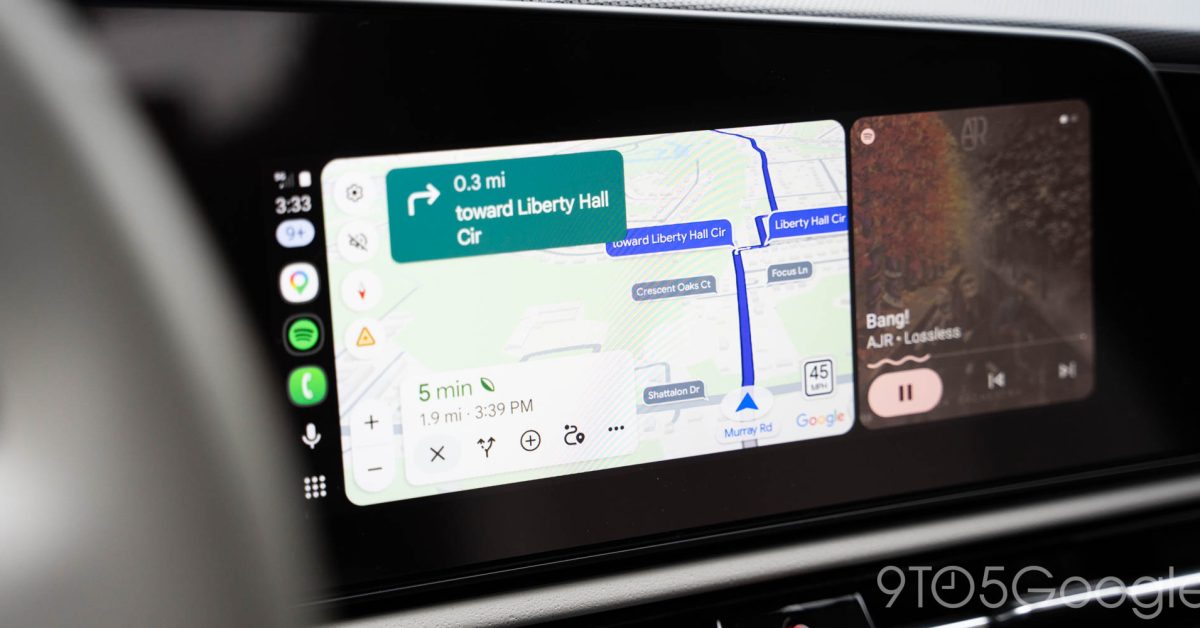
Google Maps is rolling out a new update on Android Auto that makes it easier to know what to expect at your next turn, with a visual indicator to show upcoming traffic lights or stop signs.
It’s been around six years since Google Maps startedshowing traffic lights and stop signs along your route, but a new tweak gives these more relevance to your actual route. Where Maps previously showed these as fixed parts of the map, there’s a new pop-up that shows what to expect at upcoming intersections.
Alongside the floating name of the street at your next turn, Google Maps on Android Auto now also highlights whether you’ll see a traffic light or a stop sign at that intersection. We first observed this behavior earlier this week, and it’s been showing consistently in the time since. It’s also showing on the phone directly, which means iPhone users seeing the update will likely also see this on CarPlay.
It’s a subtle tweak, but it’s also a very glanceable way to give drivers a better idea of what to expect at a coming intersection, which could be invaluable if you’re driving around an unfamiliar area.
Like many visual updates, this is likely a server-side update for Google Maps. Let us know in the comments below if you’re seeing this update.
Follow Ben: Twitter/X, Threads, Bluesky, and Instagram
You’re reading 9to5Google — experts who break news about Google and its surrounding ecosystem, day after day. Be sure to check out our homepage
for all the latest news, and follow 9to5Google on Twitter
to stay in the loop. Don’t know where to start? Check out our exclusive stories
, and subscribe to our YouTube channel
...


Read the fullstory
It's better on the More. News app
✅ It’s fast
✅ It’s easy to use
✅ It’s free